

Most “AI marketing workflows” posts read like a feature list with verbs attached. Connect your CRM. Generate content. Optimize campaigns. Yeah, sure.
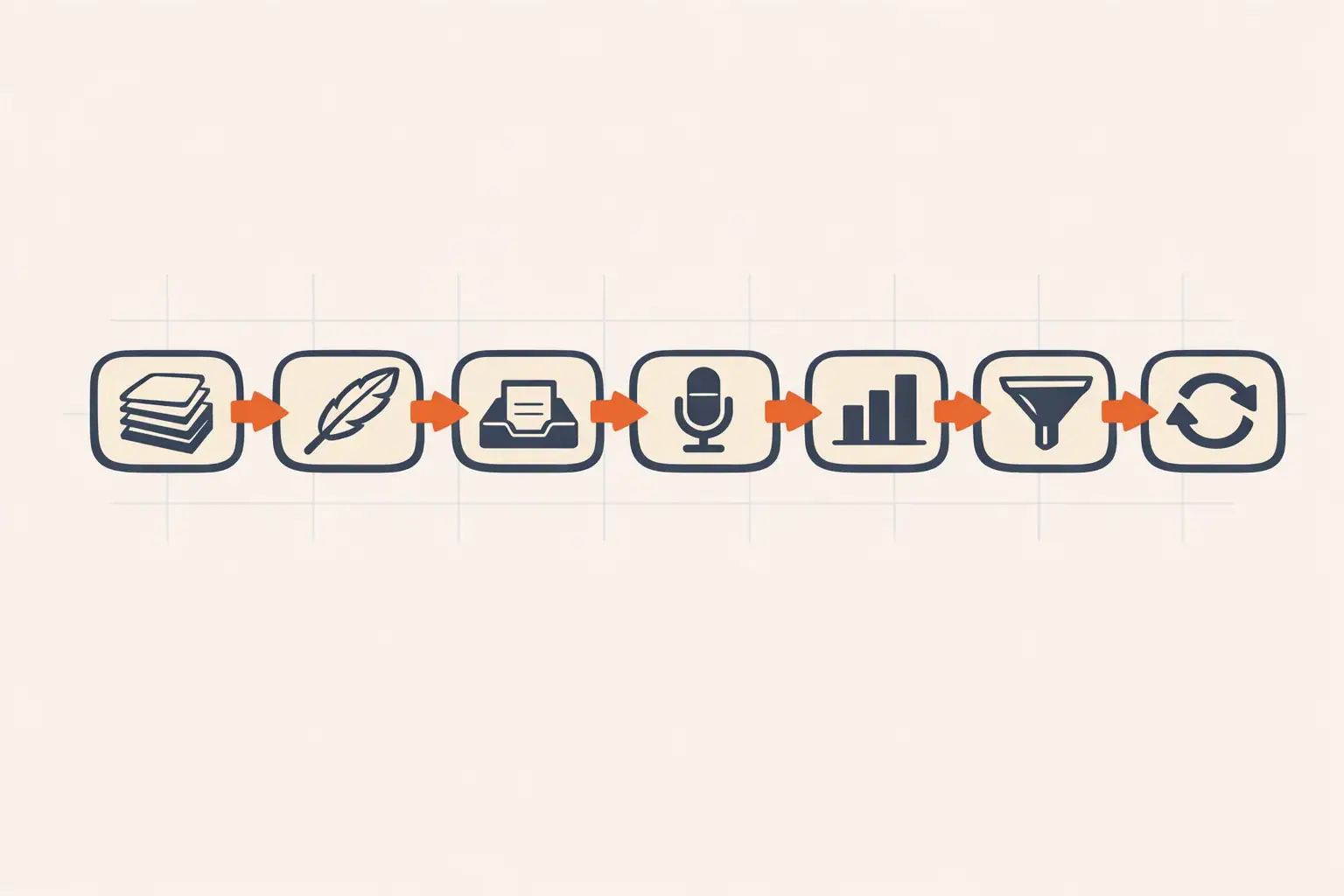
This is the other kind of post. These are the seven workflows we run every week to operate a marketing function with AI doing most of the production work. Each one has a real input, a real output, a tool stack, and the rough time saved. Nothing here is theoretical.
If you’re trying to figure out what to automate first, start at the top of this list and work down. The ordering is rough payoff per hour invested.
What “workflow” actually means here
Before the list, a definition that saves you a lot of time.
A workflow is a repeatable sequence with a defined input, a defined output, and at least one decision point. A workflow is not a single prompt. A workflow is not “I asked ChatGPT to write a blog post.” If you can’t draw it on a napkin in five boxes, it’s not a workflow yet, it’s a task.
The reason this matters: AI is great at compressing the production time inside a workflow. It’s bad at deciding which workflow you need. Build the workflow first on paper, then add AI inside the boxes. Going the other way (start with AI, figure out the workflow later) is how marketing teams end up with 14 ChatGPT tabs and no system.
Now the seven.
1. Weekly content calendar from real keyword data
Input: Your seed topic list and last week’s content performance. Output: A 10-post content calendar with focus keywords, internal link plans, and rough word counts. Tools: Ahrefs (or Keywords Everywhere) + Claude. Time saved: 4 hours per week.
The mistake most marketers make is starting with topics and validating keywords second. We start with keyword data: pull 40 candidates with KD under 20 and volume over 100, score them against SERP reachability, then ask Claude to cluster them into a coherent calendar. Each post gets a focus keyword, a working title, two suggested internal links from the existing site, and a rough word target.
We covered the full pipeline in our SEO automation operator’s manual, but the headline is: ten minutes of Claude prompting replaces a half-day editorial planning meeting, and the calendar is grounded in actual rankings data instead of intuition.
2. Long-form draft from outline + brand voice
Input: A working title, outline, focus keyword, and your brand voice guide. Output: A 1,200–2,000 word draft that’s 70% ready to ship. Tools: Claude (Sonnet for speed, Opus for quality). Time saved: 90 minutes per post.
This is the workflow that pays for itself faster than any other on this list. Once the outline is good, drafting becomes a 10-minute operation followed by a 30-minute editing pass. The trick is the brand voice document. Without it, Claude defaults to generic SaaS English, and you spend the saved time rewriting in your voice.
If you don’t have a brand voice doc yet, our Claude for marketing guide covers how to build one fast. Even a one-page voice doc with five rules and three example paragraphs changes the output dramatically.
3. Inbox triage to next-actions
Input: Your unread email queue. Output: Three lists: needs reply today, FYI, archive. Tools: Gmail + a Claude-powered classifier (we use a Claude Agent SDK script). Time saved: 45 minutes per day.
The version most people try first is “summarize my inbox,” which produces a wall of text you still have to read. The better workflow is classification: each email gets sorted into one of three buckets, and the “needs reply” bucket gets a one-line summary and a suggested response stance (positive, neutral, decline).
Anthropic’s Claude Agent SDK makes this a 50-line Python script. If you don’t want to build it, similar functionality exists in Superhuman AI and Gmail’s built-in Smart Reply, but rolling your own gets you exactly the bucketing logic that fits your inbox.
4. Customer call notes to CRM updates
Input: A meeting transcript from your call recorder (we use Fireflies). Output: A clean CRM note, a next-steps email draft, and any flagged action items. Tools: Fireflies + Claude + your CRM. Time saved: 20 minutes per call. Multiply by call volume.
Calls happen, notes don’t get written, and the CRM slowly decays into a list of stale contacts. The workflow that fixes this isn’t “use AI to take notes during the call.” It’s auto-processing every transcript after the call ends and pushing the result to the right place. Two prompts: one to write the CRM note in your format, one to draft the follow-up email in your voice.
If you take five customer calls a week, this workflow alone saves you nearly two hours and produces a CRM that’s actually up to date for the first time in your career.
5. Weekly performance digest
Input: Last week’s data from GA4, your ad platforms, and your email tool. Output: A one-page digest with KPIs, what moved, what to do this week. Tools: Supermetrics or n8n + Claude. Time saved: 2 hours per week, plus you actually ship the digest.
The hard part of weekly reporting isn’t pulling the numbers, it’s interpreting them in a way that’s useful to anyone who reads it. AI handles the second part well if you give it last week’s numbers, this week’s numbers, and a one-sentence note about what was happening. The output is a digest that names what changed, asks the right “why” question, and proposes one to two actions for the coming week.
We’ve seen marketing teams skip weekly digests for months because nobody wanted to write them. Automating this workflow is the difference between “we should report on performance” and “we report on performance.”
6. Lead scoring + tier-based routing
Input: New leads from your forms. Output: Scored, tiered, and routed to the right next action (auto-respond, SDR queue, executive intro). Tools: Your CRM + Claude or a classification model.
We’ve written about this at depth in AI lead scoring. The short version: a Claude classifier reads each new lead’s form data, company info from enrichment, and recent web activity, then assigns one of three tiers with a one-sentence reason. The reason is the part that matters. Without it, sales loses trust in the score after the third wrong call.
This workflow is most valuable for teams with more than 20 inbound leads a week. Below that, you might as well read them yourself.
7. Repurposing one piece into a week of content
Input: A new long-form blog post, podcast episode, or video. Output: A LinkedIn post, two Twitter threads, an Instagram carousel script, a newsletter blurb, and three short clips. Tools: Claude + your content tools. Time saved: 3 hours per piece of source content.
Most teams write a blog post and then forget to use it. The repurposing workflow takes one source asset and produces a week’s worth of social and email content from it. We documented the full version in AI content repurposing.
The thing that makes this workflow work is the format library. We pre-built templates for each channel (LinkedIn carousel, Twitter thread, IG post) and feed Claude both the source asset and the template. The output isn’t generic AI-generated social copy. It’s source content reshaped to fit each platform’s actual format.
What we don’t automate

Three things we tried and pulled back on.
Outbound prospecting copy at scale. AI can write the email, but personalization at scale rapidly devolves into spam that hurts your domain reputation. We write outbound by hand or use it sparingly with heavy human review.
Strategic decisions. Pricing, positioning, hiring, what to bet on this quarter. AI is good at synthesizing the inputs (research notes, competitor data, customer interviews) and bad at the actual call. Use it for the prep work, not the decision.
Anything customer-facing that isn’t reviewed. Auto-replies, auto-comments, AI-generated support responses. The downside risk of a bad output is bigger than the time you save. Reviewed before sending, always.
How to start tomorrow
Pick one workflow. The one that would save you the most time this week.
For most teams in our consulting practice, that’s #2 (long-form drafts) or #4 (call notes to CRM). Both have a clear input, a clear output, and immediate weekly payoff. Skip the ones that need infrastructure work until you’ve shipped at least one and felt the payback.
The biggest mistake we see is teams trying to build all seven at once. You’ll either ship none of them or you’ll ship sloppy versions of all of them. Build one, run it for two weeks, then add the next.
FAQ
What’s the difference between an AI marketing workflow and AI marketing automation? A workflow is a defined sequence with AI inside it. Automation is when the workflow runs without you triggering it. Start with manual workflows you trigger yourself, then automate the ones that work.
Do I need a developer to build these workflows? For the no-code versions, no. Tools like n8n, Zapier, and Make handle most of these. For the custom versions (the inbox classifier, the CRM updater), basic Python skills help. The Claude Agent SDK makes the development part shorter than you’d expect.
Which workflow has the highest ROI? For most teams, long-form content drafting (workflow #2). It saves time every week, the output compounds in search results, and the quality bar is achievable with a single brand voice document.
Can I use ChatGPT instead of Claude for these workflows? Yes for most of them. We default to Claude for the writing-heavy ones because of voice quality, and to ChatGPT for the short-classification-heavy ones because it’s faster. Pick the tool that fits each workflow.
How do I measure whether these workflows are working? Time tracked vs. output shipped. If a workflow saves you four hours a week but you only ship the same number of posts, the workflow isn’t working, you’re just spending the saved time elsewhere. The point is more output, not just less time.


