

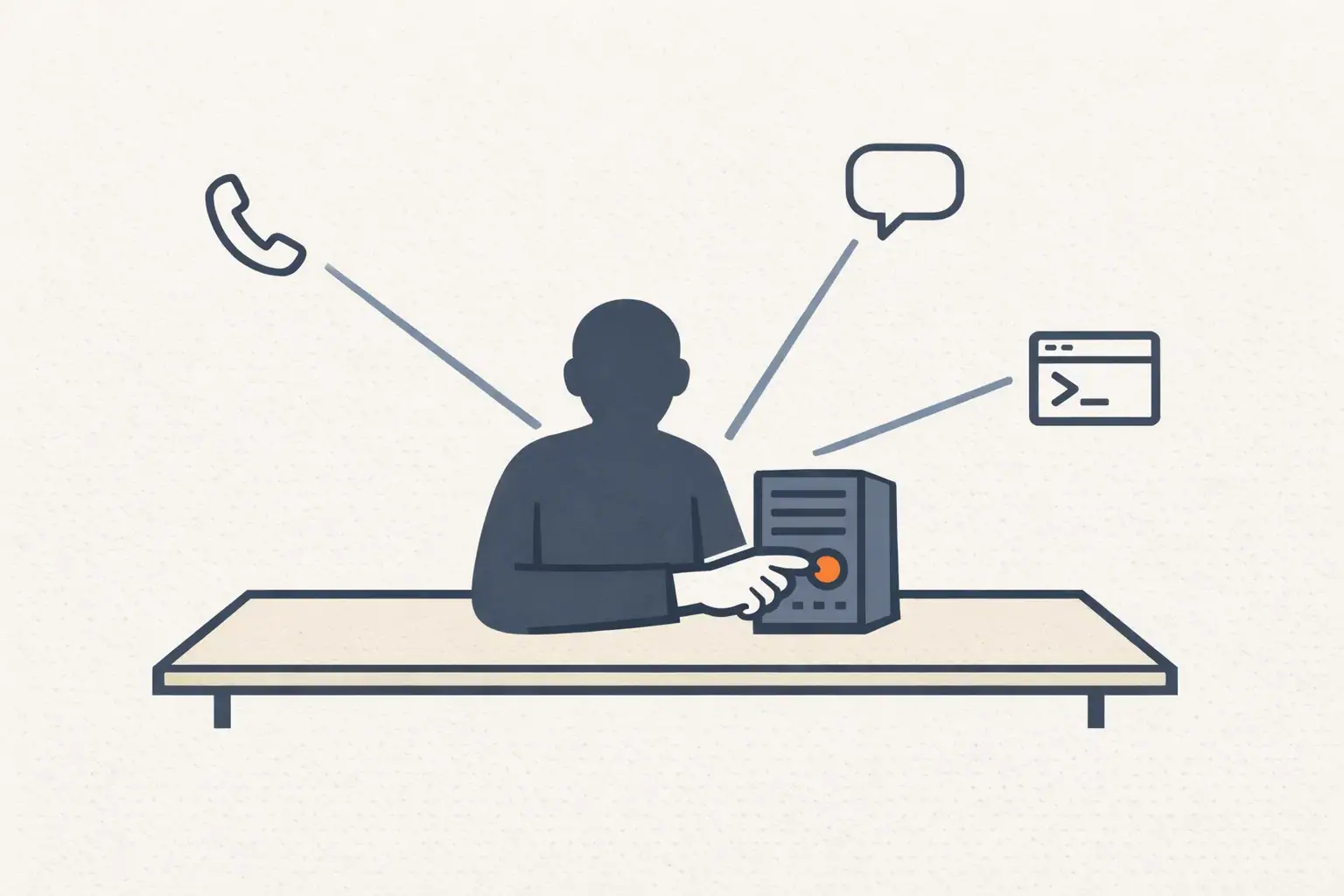
Most AI use in small businesses still looks the same in 2026. Someone opens ChatGPT, drafts an email, copies it back into Gmail, closes the tab. That’s useful but it isn’t leverage. Each task starts from zero, no context carries over, and the work doesn’t compound week to week.
Hermes Agent is a different shape. It’s an open-source AI agent framework from Nous Research that runs in your terminal, your messaging apps, and your servers. Instead of being one chat session at a time, it can use tools, work with files, run terminal commands, browse the web, hold persistent memory across sessions, load reusable skills, and fire scheduled jobs on a cron. It’s MIT-licensed and free, and the project crossed roughly 95,000 GitHub stars in its first months, which is to say, a lot of operators are paying attention.
For a small or mid-market business, that combination matters. Most marketing, support, and ops work isn’t hard once. It’s death by a thousand repetitions. Hermes Agent gives you a way to turn those repeating workflows into something the AI runs alongside you, with you in the approval loop. This guide walks through what it is, how to set it up on a VPS, which models and tools to enable, and how to ship a first useful workflow in an afternoon.
What Hermes Agent actually is
Hermes Agent is an agent runtime. The shorthand: a chatbot answers questions; an agent uses tools to complete work. With Hermes you can ask it to research a topic, save the output to a file, kick off a scheduled task to redo that research weekly, and notify you on Telegram when it’s done. It does the whole loop, not just the conversation in the middle.
What’s inside the framework today (as of v0.10.0):
- A toolset covering web search, browser automation, file read/write, terminal, cron scheduling, persistent memory, and parallel sub-agent delegation.
- Around 118 bundled “skills,” which are reusable procedures Hermes can load to do specific jobs (SEO briefs, WordPress prep, code review, weekly reporting).
- Messaging gateways for Telegram, Discord, Slack, WhatsApp, Signal, and email, meaning you can talk to Hermes from your phone in a chat the team already uses.
- Model-agnostic configuration: you can point it at OpenRouter, Anthropic, OpenAI, Google AI Studio, DeepSeek, or local/custom endpoints.
- A three-layer persistent memory system, so the agent doesn’t forget your brand voice every time you open a session.
The official docs are at hermes-agent.nousresearch.com/docs. Bookmark them now. Most of the install issues you’ll hit are answered there.
Why it’s worth setting up if you’re a lean operator
Businesses don’t run badly because they’re short on ideas. They run badly because the same tasks keep eating Tuesday mornings. SEO content, lead follow-up, review responses, weekly reporting, competitor watching, customer FAQ updates, all of it is “I’ll do it next week” until it’s three months later and nothing shipped.
Hermes is structurally suited to that messy middle. It can take a customer question and turn it into a blog brief. It can take a CSV export and produce a weekly report. It can take a competitor’s homepage and tell you what they changed since last week. Then it can do all of those again next Monday at 9am, on a schedule, while you’re on a call.
The mental model isn’t “AI replaces my marketing team.” It’s “AI gives my one-person marketing operation the throughput of a five-person one.” If you’ve read the four-roles-collapse piece, this is the operating layer that sits underneath that argument.
Where to run Hermes Agent
There are four common environments. Pick based on what you actually need it to do, not what sounds most interesting.
Local computer. Mac, Linux, or Windows via WSL2. Good for testing and personal workflows. Bad as a team resource because it sleeps when your laptop closes.
VPS server. A virtual private server with always-on uptime. Best for any workflow that needs to run while you’re not at the computer, cron jobs, messaging gateways, scheduled reports. Most businesses should start here.
Messaging gateway only. A subset of VPS, Hermes runs on a server, but you only ever interact with it through Telegram, Slack, or Discord. The most practical setup for non-technical operators.
Operations machine. For technical teams running it as a terminal-based assistant alongside other dev tooling.
VPS hosting that works for Hermes
You don’t need a beefy server for basic agent workflows that call hosted model APIs. The model is doing the heavy work somewhere else; the VPS just orchestrates.
Solid options for a starter VPS:
- Hostinger VPS
- DigitalOcean Droplets
- Hetzner Cloud
- Vultr Cloud Compute
- Linode by Akamai
- AWS Lightsail
A workable starting spec:
- Ubuntu 24.04 LTS (or 22.04 LTS)
- 2 vCPU, 4 GB RAM (8 GB if you’ll use browser automation or multiple users)
- 50 GB storage, SSH key access, automatic backups on
If you’re planning to run large models locally on the same machine, your numbers go up dramatically. Most businesses shouldn’t. Connect to a hosted API instead, at least until you have a specific reason not to.
Step 1: Stand up and secure the VPS
Spin up an Ubuntu instance with your VPS provider. Then SSH in:
ssh root@YOUR_SERVER_IP
Update the system:
apt update && apt upgrade -y
Install the basics:
apt install -y git curl ufw fail2ban ca-certificates gnupg python3 python3-pip
Create a non-root user (don’t run Hermes as root):
adduser hermesusermod -aG sudo hermessu - hermes
Turn on a firewall:
sudo ufw allow OpenSSHsudo ufw allow 80/tcpsudo ufw allow 443/tcpsudo ufw enablesudo ufw status
Useful references for this layer:
- Ubuntu server documentation
- DigitalOcean’s initial server setup guide
- Tailscale for private networking (recommended for messaging gateways)
- Cloudflare Tunnel for exposing services without opening ports
Step 2: Install Hermes Agent
The official install is one curl command:
curl -fsSL https://raw.githubusercontent.com/NousResearch/hermes-agent/main/scripts/install.sh | bash
Then start an interactive session:
hermes
Or fire a single query without entering chat mode:
hermes chat -q "Create a 30-day SEO content plan for a local accounting firm."
A few commands worth memorizing on day one:
hermes setup # the configuration wizardhermes doctor # checks your environmenthermes config # shows current confighermes config edit # opens config in your editor
If something fails, hermes doctor is usually the first place to look.
Step 3: Pick your model provider
Hermes is provider-agnostic. The setup wizard walks you through this, but it’s worth thinking about before you sit down.
For most business workflows, the right pattern is: one good model for hard work, one cheap model for routing and summarization. OpenRouter makes this easiest because you can route different jobs to different models from one API key. If you already pay for Anthropic or OpenAI directly, those work too.
Switch models with:
hermes model
For a deeper look at which model fits which marketing job, Claude vs ChatGPT for marketing covers the trade-offs in detail.
Step 4: Enable only the tools you need
Hermes’ tools are off by default. Turn on what your workflows require, leave the rest off. Less surface area, fewer surprises.
Manage tools with:
hermes tools listhermes tools enable terminalhermes tools enable webhermes tools enable browserhermes tools enable filehermes tools enable cronjob
Tool changes apply on a fresh session, so reopen Hermes after toggling.
The toolsets most marketing operators want:
- Web for research and content extraction
- Browser for QA and interactive site checks (heavier; only enable if you need it)
- File for reading and writing local docs
- Terminal for command-line work
- Cronjob for scheduled recurring tasks
- Memory for persistent preferences and brand context
- Skills for reusable procedures
- Delegation for parallel sub-agents
Full reference: Hermes tools documentation.
Step 5: Use skills so Hermes gets better over time
Skills are the part of Hermes that compound. A skill is a reusable procedure that tells Hermes how to do a specific task well, once you’ve tuned it, you don’t re-explain the process every time.
Useful skill categories for a marketing-focused business:
- SEO content briefs
- WordPress publishing prep
- Google Workspace workflows
- Outreach drafting
- Customer service response writing
- Weekly reporting
- Competitor research
Manage skills with:
hermes skills listhermes skills browsehermes skills search seohermes skills install SKILL_ID
Inside a session, load a skill on demand:
/skill skill-name
Hermes ships with around 118 skills bundled, and you can write your own. The catalog is at hermes-agent.nousresearch.com/docs/reference/skills-catalog. For the recurring agent workflows worth building first, the five agents post covers the highest-leverage ones.
Step 6: Connect a messaging gateway
For non-technical team members, the gateway is what makes Hermes feel real. Instead of SSHing into a server, you talk to the agent from a chat app the team already uses.
Set it up with:
hermes gateway setuphermes gateway run # foreground, for testinghermes gateway install # install as a background servicehermes gateway starthermes gateway status
Supported platforms include Telegram, Discord, Slack, WhatsApp, Signal, email, SMS, Mattermost, and Matrix. The complete list and setup details are at hermes-agent.nousresearch.com/docs/user-guide/messaging.
What this looks like in practice: ask Hermes for a competitor brief from your phone on the train. Drop a voice note in Telegram and have it turn into a meeting agenda. Schedule a Monday morning marketing report that lands in Slack at 9am. The chat-app interface removes 90% of the activation energy that kills internal AI tools.
Step 7: Ship one small workflow on day one
Don’t try to automate the whole marketing function in week one. Pick one workflow, run it, see what’s wrong, tune it. Add the second one next week. By month two you have a working stack.
A good first workflow for almost any small business:
Research keyword opportunities for [your business type] in [your city]. Group by intent: emergency repair, replacement, pricing, maintenance, education. Return a table with keyword, monthly volume estimate, intent, suggested page type, and a one-line content angle.
Or, if you have customer service data sitting around:
Analyze these customer questions [paste]. Group similar questions, identify the top five themes, draft FAQ answers for each, and flag any answer that needs human approval before publishing.
Or, if you publish a blog:
Draft a WordPress-ready blog post for "[your target keyword]." Include SEO title, meta description, slug, H2/H3 structure, FAQ section, three external links to credible sources, image suggestions, and internal link placeholders. Use a practical, founder-to-founder voice.
Each of these takes 5-10 minutes the first time. The output is at 70% quality. Your job is the last 30%, taste, voice, the thing you can’t put in a prompt. For a deeper catalog of one-shot prompts that work today, the 12 ChatGPT marketing use cases post is the recipe book.
Step 8: Use cron for the recurring stuff
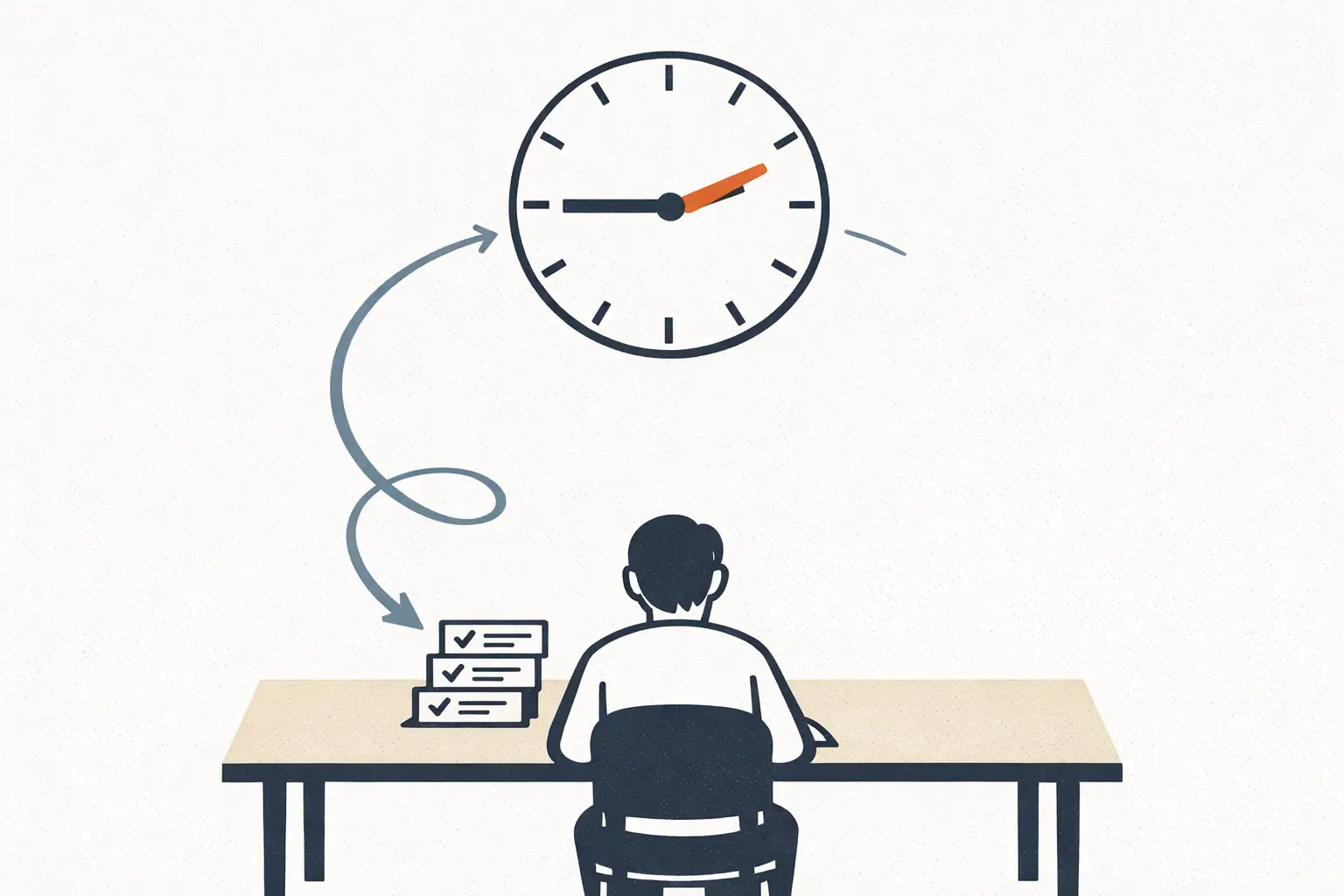
The single biggest mistake businesses make with AI is treating every task as one-off. The leverage is in scheduling.
hermes cron listhermes cron create "0 9 * * MON"hermes cron status
Recurring jobs that pay for themselves in week one:
- Monday 9am SEO opportunity scan
- Weekly competitor website check
- Friday social content draft from the week’s blog post
- Monthly customer question summary
- Daily lead follow-up draft preparation
- Weekly Google Search Console summary
Hermes cron docs: hermes-agent.nousresearch.com/docs/user-guide/features/cron.
Step 9: Treat permissions seriously
Agents are powerful, which is another way of saying “agents can do real damage if you’re casual.” A few rules that aren’t optional:
- Start with drafting and research. Don’t let Hermes auto-publish or auto-send anything for at least the first month.
- Always use human approval for anything customer-facing, emails, ad copy, landing pages, CRM updates.
- Store API keys in environment files, not in shared docs.
- SSH key access only, disable password login.
- Backups on, always. Test that they restore.
- Use private networking (Tailscale is the easiest path) for any internal-only Hermes endpoints.
- Document what Hermes is allowed to do and where the line is.
External references worth reading once:
Who Hermes Agent is and isn’t for
Strong fit:
- Consultants and agencies who want a flexible AI ops layer they can configure to a specific client
- Solo founders running a marketing function alone and trying to scale output without scaling headcount
- Small businesses comfortable with a VPS and willing to spend a couple of hours on setup
- Technical operators who want a self-hosted alternative to closed agent platforms
- Teams already coordinating in Telegram, Slack, or Discord, the gateway integration removes the activation energy
Bad fit:
- Pure non-technical users who don’t want to touch a server. The hosted closed-source agent platforms are easier even if they’re more limited.
- Businesses with strict data residency or compliance requirements that don’t allow self-hosted AI on third-party VPS providers. (Solvable, but the lift is bigger.)
- Teams that want one-click answers and have no patience for the first-week tuning curve. The compounding only kicks in if you stay long enough to build the prompts and skills library.
What to actually do this week
Pick a VPS. Spin up Ubuntu. Install Hermes. Connect one model provider. Enable web, file, and cron tools. Run one of the example prompts above. Read the output. Tune the prompt. Save the tuned version as a skill. Schedule it for next Monday. That’s the whole pattern, repeated forever.
For the broader operating context this fits inside, the marketing-with-AI two-person stack shows what a fully-realized AI-augmented operation looks like. Hermes is the layer that makes that stack runnable by a one- or two-person team without writing custom code.
FAQ
Is Hermes Agent free? Yes. The framework itself is MIT-licensed and free. You’ll pay for the VPS (typically $4-12/month) and for whichever model provider you connect to (usage-based, typically $5-30/month for a marketing-focused workflow). Total monthly run cost for most small businesses lands between $15 and $50.
Do I need to know how to code?
You need to be comfortable with a terminal, running commands, editing config files, reading error messages. You don’t need to write code. If ssh root@server doesn’t sound terrifying, you can run Hermes.
Can I run Hermes without a VPS? Yes, locally on a Mac or Linux machine. But the moment you want messaging gateways, scheduled jobs, or always-on availability, you’ll want a VPS. It’s $5/month for entry-level. Don’t fight it.
How is this different from Claude Projects or Custom GPTs? Different shape. Claude Projects and Custom GPTs are excellent at structured single-task chat sessions with uploaded knowledge. Hermes is closer to a programmable agent that can run terminal commands, schedule jobs, and connect to messaging platforms. They’re complementary, many operators run both.
Where do I get help when I get stuck? Start at the Hermes Agent documentation. The GitHub issues page is active. The Nous Research team also runs a Discord that’s the fastest way to get unstuck on tricky setup problems.


