


Most small businesses don’t have a customer service problem in the dramatic sense. They have a customer service drag in the boring sense. Repeat questions. Long email threads. Promised follow-ups that fall through the cracks. Documentation that lives in someone’s head and walks out the door when they take vacation. Each individual instance is fine. The compound cost across a year is enormous.
Hermes Agent, the open-source AI agent framework from Nous Research, is one of the cleanest tools to address this drag. Not by spinning up a public-facing chatbot. By becoming the internal assistant that helps your existing team draft faster, document better, and turn customer service patterns into marketing fuel.
The most common mistake small businesses make with AI customer service is to start with a public chatbot. That’s the riskiest possible entry point. The right starting point is an internal AI assistant that helps the humans who already do the work do it faster. This piece walks through what that looks like and the ten workflows lean operators are running today.
If you haven’t set up Hermes yet, the setup guide is here. Start there, then come back.
What an AI customer service agent actually is
The phrase “AI customer service agent” gets used loosely. Two distinct shapes exist, and they have very different risk profiles.
External AI agents. Public-facing chatbots that talk directly to customers. High visibility, high risk. A bad answer goes to a real customer. Use cases here are real but require approved-answer libraries, escalation rules, and constant monitoring.
Internal AI agents. Behind-the-scenes assistants that help your team. They draft replies, summarize threads, organize questions, build training materials. Lower risk because a human always reviews before anything goes public. This is where almost every small business should start.
Hermes is well-suited to either, but the internal version is where most operators see real ROI in the first month. The external version is a project worth doing once the internal version has proven the value and the approved-answer library exists.
For the broader operating context, what one operator can credibly do across roles when they have AI sitting alongside them, the four-marketing-roles-collapsed piece covers the pattern.
Why customer service and marketing are the same workflow
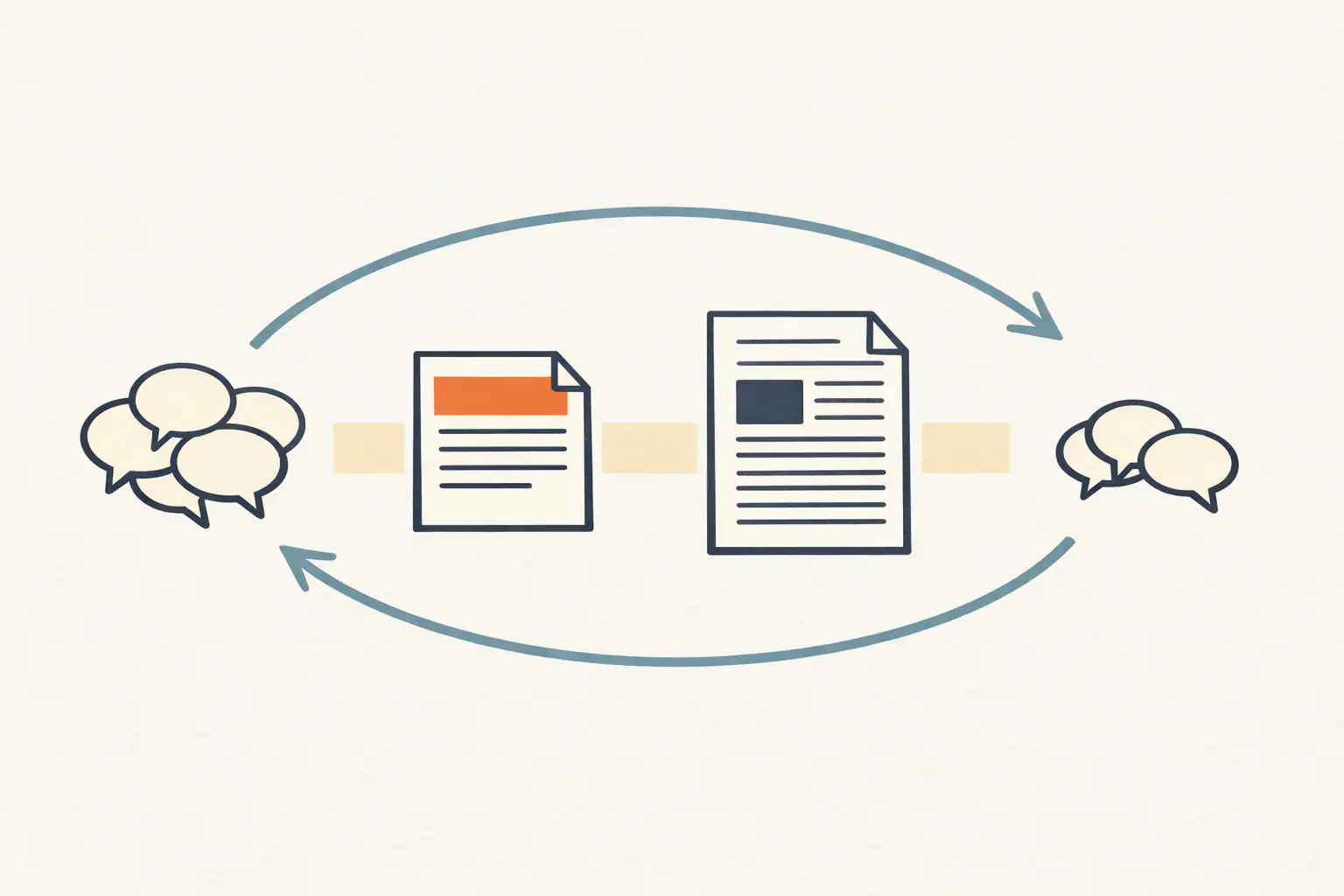
Customer service questions are the cheapest, fastest, most accurate signal a small business gets about what customers actually care about. Every repeated question is a free piece of marketing research.
A few examples of how the patterns translate:
- A repeated pricing question becomes a blog post.
- A common preparation question becomes an appointment confirmation email.
- A repeated objection becomes a landing page section.
- A confusing policy becomes an FAQ entry.
- A support issue becomes an operations checklist.
If your customer service workflow doesn’t feed your content workflow, you’re leaving the highest-leverage marketing input on the floor. Hermes can help wire those together. For the systematic version of this loop, the 12 ChatGPT marketing use cases post covers customer voice synthesis as one of the highest-leverage prompts.
Workflow 1: Turn customer questions into FAQs
Most FAQ pages were written by someone guessing at what customers want to know. The good ones are written from actual customer language.
The prompt:
Analyze these customer questions [paste — emails, calls, contact forms from the last 90 days]. Group similar questions, identify the 5-7 most important topics by frequency, write clear FAQ answers for each, and flag any answer that needs owner approval before publishing. For each FAQ, also surface the top 3 customer phrases for that topic — verbatim, not paraphrased. Those phrases will inform headline writing later.
A strong FAQ page improves search visibility (FAQ schema is well-supported), conversion (objections answered before the customer asks), support efficiency (fewer repeat tickets), and sales confidence (the team has approved language).
External references:
Workflow 2: Draft customer email replies
Most customer emails fall into ten or fifteen categories. Hermes can produce a first draft in under thirty seconds, in the brand voice you’ve configured, that a human reviews and sends.
Draft replies to these customer emails [paste]. Keep the tone warm, concise, and professional. Do not confirm pricing, appointment times, refunds, or policy exceptions unless they are explicitly included in the provided information. Flag any message that needs a manager. For each draft, note which customer concern is the primary one being addressed.
Pair with whatever support tool you already use:
- Gmail for business, for teams running on Google Workspace
- Help Scout, purpose-built shared inbox
- Zendesk, heavier, fits larger teams
- Freshdesk, middle-tier alternative
- Google Workspace APIs, if you’re piping Hermes into Gmail directly
The non-negotiable: the draft is at 80% quality. Your job is the last 20%, which is the part that distinguishes “this brand sounds like a real person” from “this brand sounds like a chatbot.”
Workflow 3: Summarize long support threads
When an escalated issue lands, the manager doesn’t need to read fourteen back-and-forth emails. They need a brief.
Summarize this customer support thread [paste]. Identify the customer's main issue, the timeline of events, the resolution they're requesting, any promises already made by our team, the risks if we say no, and your recommended next response. Keep the summary objective — flag anywhere the team's communication has been unclear or where commitments may have been ambiguous.
This is the single most useful workflow when:
- A manager is stepping in mid-issue
- A team member is out and someone else needs to take over the thread
- A customer is upset and the response needs to acknowledge prior context
- A salesperson is calling about a touchy account and needs the history
- The business wants to identify recurring problem patterns over a quarter
Workflow 4: Customer service scripts that don’t sound robotic
Scripts get a bad reputation because most of them are bad. A good script gives a new employee a starting point and the confidence to handle the moment, not a rigid line they read while ignoring the customer.
Create customer service scripts for a home cleaning company. Cover: new lead calls, price shoppers, rescheduling, complaints, recurring service questions, and post-cleaning follow-up. Each script should include the goal of the conversation, the opening line, two to three likely customer responses with appropriate next steps, and an escalation rule. Keep the language natural — no "thank you for choosing us today" filler.
These work as training docs and as just-in-time references for newer team members. Update them quarterly.
Workflow 5: Build a real knowledge base
A knowledge base is one of those things every business says they should have and most don’t, because nobody wants to spend three weeks of evenings writing one. Hermes can turn messy notes into organized articles in an afternoon.
Turn these internal notes into customer-facing knowledge base articles [paste]. Use clear titles, short sections, step-by-step instructions where useful, and a friendly tone. Add a final "Still need help?" section to each article with a clear escalation path. Flag any article where you needed to make assumptions to fill gaps in the source material.
Knowledge base references worth a read:
- Help Scout’s knowledge base guide
- Zendesk’s guide to knowledge bases
- Atlassian’s knowledge base article guide
Workflow 6: Prepare chatbot content before launching a chatbot
The most common chatbot failure pattern: launch first, write the answers later. The customer experience is then awful for six months while the team scrambles to backfill content.
The right order is content first, chatbot second. Hermes can prepare the content layer.
Create a chatbot knowledge base for a local roofing company. Include approved answers for: service areas, emergency leak response, estimate process, insurance claims, financing options, warranties, and scheduling. For each topic, provide the approved answer, two follow-up questions a customer is likely to ask, and the escalation rule for when the chatbot should hand off to a human. Also list 10 specific question types the chatbot should never answer (legal advice, structural assessments, etc.).
Once that knowledge base exists, the chatbot platform (whichever you choose) becomes a routing layer over content that’s already approved. That order of operations is the difference between a chatbot that helps and a chatbot that erodes trust.
External chatbot platforms worth considering when you’re ready:
Workflow 7: Train new employees faster
Onboarding documentation is one of the most consistently neglected operations artifacts in small business. It’s also one of the highest-leverage things to fix because it directly determines how long a new hire takes to be productive.
Use this collection of customer questions, internal policies, and example replies [paste] to create a training guide for a new front desk employee. Include: common scenarios with example dialogues, approved language for tricky topics, escalation rules with named managers, and a checklist for handling a new inquiry from first contact through resolution. Format for someone reading on their first day, not a senior team member who already knows the business.
Outputs that this single workflow generates:
- Onboarding guides
- Call scripts
- Email response templates
- Escalation checklists
- Service-specific explainers
- “What to say when…” quick references
Workflow 8: Improve the customer journey before customers complain
Many customer service problems start before the customer ever contacts support. The website didn’t answer the question. The confirmation email left out a detail. The follow-up email asked them to do something they couldn’t figure out.
Act as a customer experience strategist. Review this service page, FAQ page, contact form, and post-purchase follow-up email [paste]. Identify where a customer is likely to feel confused, what important questions go unanswered, and what specific content additions or rewrites would reduce inbound support volume. Be specific — name the section, name the fix, name the metric it should move.
This is where customer service, marketing, and sales work together. Run it quarterly. The customer support volume that drops as a result is a hard ROI number.
Workflow 9: Create response standards as the business grows
Three people sharing an inbox can be consistent without writing it down. Six people cannot. Once the team grows past five, response standards become the difference between professional and chaotic.
Create customer service response standards for a small business with five to ten team members. Cover: tone guidelines with examples, response time expectations by channel, what information to collect from a new inquiry, when and how to escalate, what not to say (with specific phrases to avoid), and three to five examples of strong responses to common scenarios. Format as a working document the team can update.
This document gets revisited every six months. It’s the single artifact most likely to keep service quality from drifting as the team grows.
Workflow 10: Schedule recurring customer service reviews
The compounding power of Hermes shows up most clearly in recurring jobs.
Useful recurring customer service workflows:
- Weekly support question summary, grouped by topic
- Monthly FAQ update recommendations based on the week’s questions
- Monthly batch of review response drafts
- Quarterly customer complaint trend report
- Quarterly knowledge base gap analysis
Hermes cron documentation: hermes-agent.nousresearch.com/docs/user-guide/features/cron.
A simple weekly customer service workflow
If you’ve installed Hermes and want one workflow to start with, this is the highest-leverage one for almost any small business:
- Monday: Collect questions from email, calls, chat logs, reviews, and contact form submissions.
- Tuesday: Ask Hermes to group them by topic and urgency.
- Wednesday: Have Hermes draft FAQ answers, email response templates, and one knowledge base article based on the most-asked questions.
- Thursday: A manager reviews and approves the answers.
- Friday: Approved answers go on the website, into scripts, and into internal docs.
- Monthly: Take the most-repeated questions and turn them into blog posts or service page updates.
That single workflow, run consistently, turns customer service from a cost center into a marketing engine. Every week the website gets clearer. Support volume drops. SEO rankings improve because the content is built from the language customers actually use.
Safety rules that aren’t optional
Hermes should not be in the loop for everything. Keep a human reviewer for:
- Anything legal, refund disputes, warranty claims, contract terms
- Medical, financial, or safety-related answers
- Pricing exceptions and special accommodations
- Angry customers and escalations
- Scheduling commitments and capacity promises
- Anything involving private customer information
- Industry-specific regulated advice (HIPAA, financial advice, etc.)
External references for the privacy and security layer:
What to actually do this week
Pick the lowest-risk, highest-volume workflow on this list, for most businesses, it’s the FAQ creation workflow (#1) or the email reply drafting workflow (#2). Run it once on real data from this week. Read the output critically. Tune the prompt based on where the output drifted from your voice. Save the tuned version as a Hermes skill. Schedule it weekly via cron.
Next week, add a second workflow. By month two, you have an internal AI customer service operation that runs alongside the team and makes everything they do faster.
For the connective tissue across your whole AI marketing operation, what tools sit alongside Hermes, who runs them, how the org chart looks, the marketing-with-AI two-person stack is the broader picture. Customer service is one workflow among many, and the leverage compounds when they’re connected.
FAQ
Should I use Hermes Agent for a public-facing chatbot? Eventually, yes. Not in week one. The right sequence is: build the internal AI customer service workflow first, generate the approved-answer library that comes out of it, then deploy that library into a chatbot platform. Customers should never be the test environment.
How is this different from a regular customer service platform like Zendesk or Help Scout? Different layer. Zendesk and Help Scout are shared inboxes, they handle ticket routing, threading, status tracking, and reporting. Hermes is the AI assistant that helps your team draft, summarize, and organize work inside whichever platform you use. They’re complementary, not competing.
Can Hermes integrate with my existing helpdesk? Most platforms have APIs that Hermes can call. The pattern is usually: Hermes runs as a background agent, pulls relevant context (recent thread history, customer record), drafts a reply, and either posts the draft as a private internal note for the human to review or sends it to a chat channel for approval. Setup varies by platform.
What does this cost? Same math as the marketing automation use case, typically $15-40/month for VPS hosting plus model API usage on a marketing-focused workflow. Compared to hiring out the customer service drafting work, the math is comical.
Where do I get help when I get stuck? Start at the Hermes Agent documentation. The Nous Research team runs an active Discord. The GitHub issues page is the right place for bugs and feature requests.


