


Open-source AI agents are tempting for a lot of businesses.
The pitch is obvious: connect an AI model to your tools, give it a task, and let it help with research, writing, operations, support, reporting, or development. For a small team, that sounds like leverage.
It can be. But the safety question matters.
An AI agent is different from a chatbot because it can do more than answer. Depending on how it’s configured, it may be able to read files, browse websites, run commands, call APIs, send messages, create drafts, schedule jobs, and make changes in connected systems.
That power is the point. The risk lives in the same place.
Hermes Agent, the open-source agent framework from Nous Research, is one example of this category. The official Hermes docs cover the technical layer if you want to dig in. If you’re earlier in the process, our setup guide walks through the VPS, model provider, and tool decisions.
This post is the operating model that should sit on top of that setup.
Start with the boring question: what can the agent touch?
Before you think about prompts, decide what the agent can access.
Make a simple list:
- Files and folders
- Email or messaging platforms
- Browser access
- CRM data
- Analytics data
- Website or CMS access
- Command-line tools
- API credentials
- Payment systems
- Customer data
- Private documents
Then separate those into three buckets:
- Safe for the agent to read
- Safe for the agent to draft or prepare
- Requires human approval before any action
Most early business workflows should live in the first two buckets. Let the agent read, summarize, draft, organize, and recommend. Be much more careful with sending, deleting, publishing, purchasing, or changing production systems.
Use least privilege from day one
Least privilege means the agent only gets the access it needs for the task.
If the agent is helping draft blog posts, it probably doesn’t need billing access, production server credentials, or full CRM export permissions. If it’s summarizing customer questions, it may need a limited folder or filtered export, not the entire customer database.
This is standard security thinking, not AI-specific thinking. The principle just matters more when the software can take actions.
NIST’s AI Risk Management Framework is a good starting point for broader AI risk thinking. For general cybersecurity controls, CISA’s small business resources are also useful.
Separate drafting from doing
The easiest safety pattern is simple: let the agent draft, but make a person approve.
That means the agent can:
- Draft the email, but not send it
- Prepare the WordPress post, but not publish it
- Write the support reply, but not close the ticket
- Create the report, but not email it to the client
- Suggest a command, but not run the risky version without approval
This isn’t anti-automation, it’s just sequencing.
Once the team trusts a specific workflow, you can decide whether any step deserves more autonomy. The first version should preserve human review at the point where mistakes would matter.
The same pattern works for client work. We covered the consultant version of this in our Hermes Agent for consultants post and the support version in our Hermes Agent for customer service post.
Treat credentials like production assets
An AI agent with API keys isn’t a chatbot anymore. It’s software with access to your business.
That means credentials should be stored carefully. Don’t paste secrets into prompts. Don’t put API keys in blog drafts, screenshots, or shared docs. Don’t give the agent broad tokens when a narrow token would work.
GitHub’s secret scanning documentation is worth reading if your team works in repositories.
For cloud or server setups, use the same discipline you’d use with any automation: environment variables, secret managers, restricted service accounts, and revocation plans. If a credential leaks, you want to be able to rotate it in minutes, not days.
Decide where the model runs
Open-source agent frameworks can often work with different model providers. That flexibility is useful, but it also creates data questions.
Ask:
- Is the model hosted by a third-party provider?
- What data is sent to the provider?
- Does the provider train on submitted data?
- Do we need a local model for this workflow?
- Are we handling regulated or sensitive data?
OpenAI’s enterprise privacy page and Anthropic’s trust center are the right reference points for the two most common providers.
For most marketing workflows, a hosted model is fine if the data isn’t sensitive and the account terms are appropriate. For sensitive client, legal, medical, financial, or HR workflows, slow down and make a deliberate choice. We compared the two largest hosted options for marketing specifically in our Claude vs ChatGPT for marketing post.
Build a workflow log
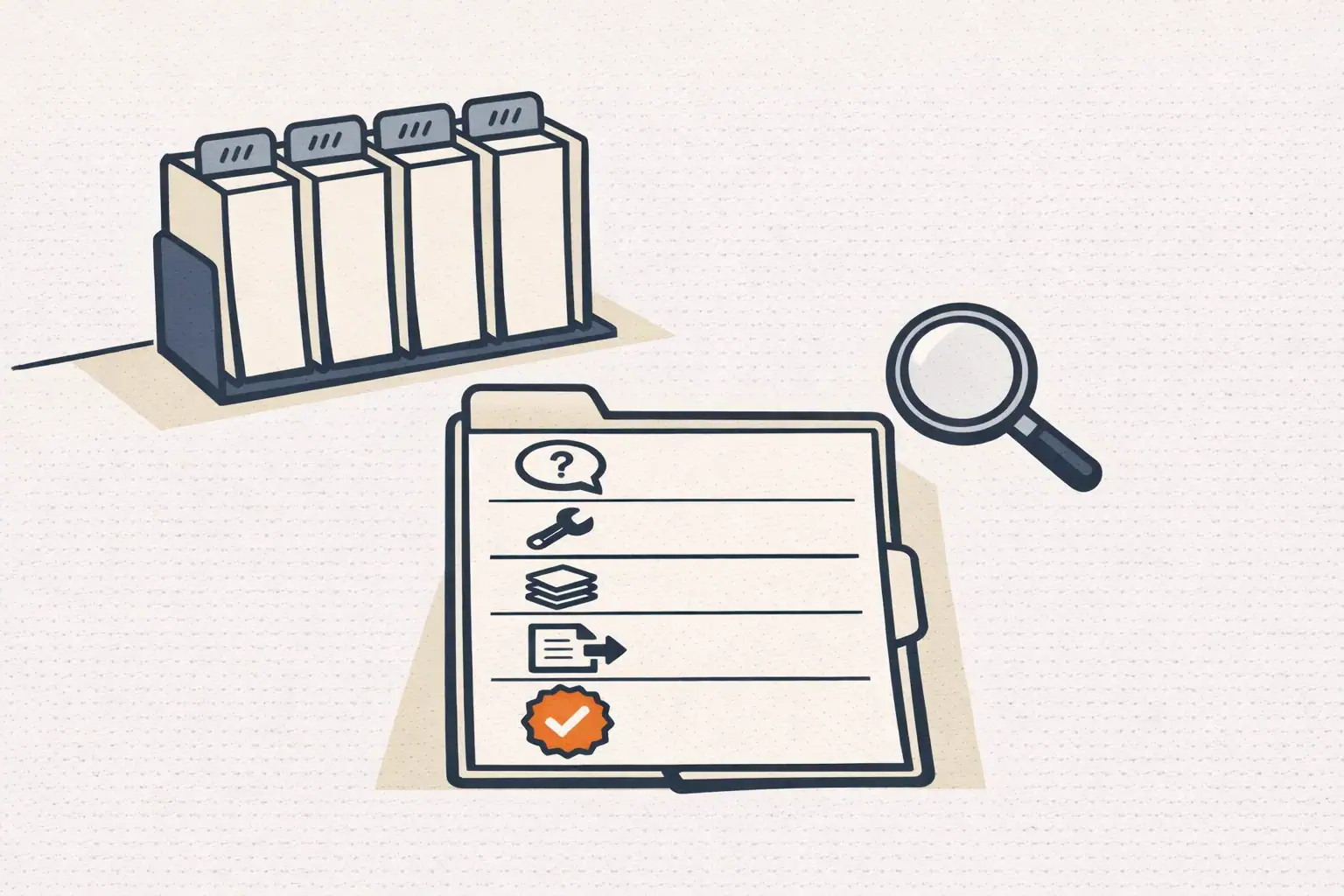
Agents are easier to trust when you can see what happened.
For business use, keep some version of a workflow log:
- What was requested?
- What tools did the agent use?
- What files did it read or write?
- What outputs did it create?
- What human approved the next step?
- What was sent, published, or changed?
This doesn’t need to be complicated at first. A folder of dated outputs and a short human note is better than nothing.
The point is accountability. If something goes wrong, you want to know whether the issue came from the prompt, the data, the tool, the model, or the review process.
Start with low-risk workflows
Don’t begin with the workflow that can break the business.
Good first workflows include:
- Summarizing public competitor pages
- Drafting internal content briefs
- Turning meeting notes into action lists
- Grouping customer questions into themes
- Creating first drafts of blog posts
- Preparing weekly marketing reports for review
- Monitoring public sources and sending a digest
Riskier workflows include:
- Sending customer emails automatically
- Editing production websites directly
- Running commands on production servers
- Changing CRM records at scale
- Handling payments or refunds
- Making legal, medical, or financial recommendations
The low-risk workflows still create value. They also teach the team how to work with the agent before higher-stakes automation enters the picture.
For a longer list of reasonable starting workflows for marketers specifically, our 12 ChatGPT marketing use cases post and our five AI agents marketers should build post both work as input.
Use Hermes as an example, not as a shortcut around judgment
Hermes Agent is useful because it can connect AI to real workflows. It can run in places where operators already work, including terminals and messaging platforms. It can use skills and memory to make recurring work more repeatable.
That doesn’t remove the need for setup and judgment.
We’ve covered the practical side of this in a few places already: Hermes Agent for marketing automation, Hermes Agent vs ChatGPT, and Hermes Agent for local SEO. The common thread across all three: the agent is a workflow accelerator, not a replacement for the operator’s perspective.
A simple safety checklist
Before deploying an open-source AI agent in a business workflow, answer these questions:
- What is the exact task?
- What data does the agent need?
- What data should it never access?
- What tools are enabled?
- What actions require human approval?
- Where are credentials stored?
- What logs are kept?
- Who reviews outputs?
- How do we turn the workflow off?
- What would a bad failure look like?
That last question is the one that does the most work. Knowing what a bad failure looks like is what lets you design around it before it happens.
The practical answer
Businesses shouldn’t avoid open-source AI agents. They should adopt them carefully.
The right early posture is controlled leverage: give the agent enough access to remove repetitive work, but not so much that a bad instruction, weak review, or model mistake creates real damage.
Start with research, drafting, summarization, and internal operations. Add more autonomy only when the workflow is proven.
For the broader build-versus-hire question on whether to do this work in-house or with consulting help, our piece on AI automation agency vs Hermes Agent covers it directly. For the operating-model view of what a small AI-assisted team can credibly run, our 2-person AI marketing team post is the companion read.
If your team wants to use AI agents without turning the business into a science experiment, our services page explains how we work, and you can get in touch here.
FAQ
Is open-source actually safer than a closed AI platform for business use? Not automatically. Open-source means you can inspect the code, self-host, and choose your own model provider. That gives you control. Control is only safety if you actually use it: review the code path, lock down permissions, manage credentials, and monitor outputs. A self-hosted agent run carelessly is less safe than a hosted product run thoughtfully.
What’s the single biggest mistake teams make when first deploying an AI agent? Giving it too much access too fast. The agent gets full inbox, full CRM, full website credentials on day one because nobody wanted to scope down the permissions. Then a prompt misfires and it sends, deletes, or publishes something it shouldn’t. Start narrow. Expand only after the workflow is proven.
Do we need a security review before running Hermes or any agent in production? For anything touching customer data, payments, or production systems: yes. Even an informal review is better than nothing. Walk through the threat model: what data is in scope, what tools are enabled, what actions are autonomous, what credentials exist, what would a worst-case failure cost? Document the answers. That document is your security review until you’re big enough to need a formal one.
Can we let Hermes act autonomously on anything? Yes, but only after the workflow has been run with human approval enough times that you trust the failure modes. Recurring reporting, internal digests, monitoring jobs, and routine data prep are reasonable candidates for autonomous runs. Anything customer-facing, anything financial, and anything irreversible should keep a human in the loop indefinitely.


