

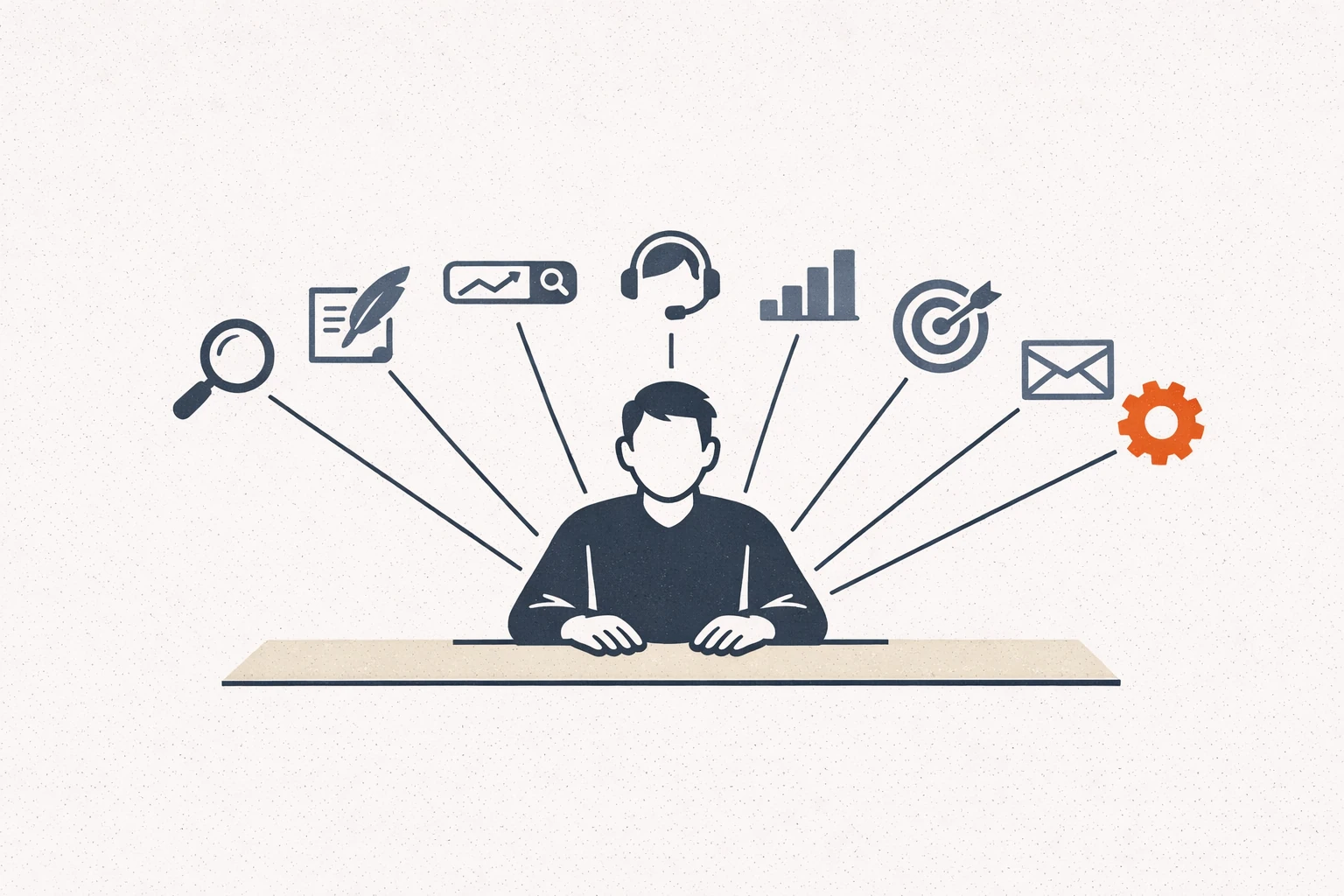
The phrase “AI agents for marketing” gets thrown around to mean a lot of different things.
Some of those things are real. Some are slide-deck fiction. The category is moving fast, the vendor pitches are loud, and most of what marketers actually need is a clearer map of what an agent can do for the work they already have on their plate.
This is that map.
We’ll cover what makes an agent different from an AI tool, the eight categories of marketing AI agents that actually do useful work in 2026, the build-versus-buy decision for each, and the operating-model tradeoffs we keep seeing teams get wrong.
For the broader stack context that sits around the agents, our complete AI marketing stack post is the companion piece. For the team-shape question of who runs all this, our 2-person AI marketing team post covers what one or two operators can credibly own.
Tool vs agent: the line that actually matters
Most marketing AI tools are functions. You give them an input, they give you an output, you decide what to do with it.
An agent is different in one specific way: it can take multiple steps to complete a task, including using tools, reading files, calling APIs, and deciding what to do next based on what it finds.
That’s it. The whole distinction.
A ChatGPT prompt that drafts an email is a tool. A workflow that pulls the customer’s recent activity, drafts the email, checks tone against your brand voice doc, and either sends it or queues it for human review is an agent. Same underlying model, different scope of action.
We covered the broader chatbot-vs-agent distinction in our Hermes Agent vs ChatGPT post. The short version: chatbots are good when everything fits in the conversation. Agents are good when the work touches files, schedules, websites, or other systems.
The eight categories below are organized by the work they replace, not by the tool you’d use to build them.
1. Research and customer-voice agents
What they do: gather, synthesize, and structure messy input from interviews, support tickets, reviews, sales calls, surveys, and public sources into usable insight.
Why this is the most popular starting place: every marketing team has more raw input than time to read it. The synthesis is the bottleneck. Agents are good at the synthesis.
Typical tasks: – Pull 200 reviews, extract the 10 phrases customers actually use – Read a quarter’s worth of sales call transcripts, identify the recurring objections – Monitor public competitor pages weekly and flag changes – Turn raw interview transcripts into structured personas
Build vs buy: Most teams should build a lightweight version first using something like Hermes Agent or a workflow on Claude before adopting a vendor product. The build pattern is repeatable across customers. We covered the discovery-synthesis version specifically in our Hermes Agent for consultants post.
2. Content drafting and editing agents
What they do: produce first drafts of blog posts, landing pages, emails, ad copy, and social posts based on briefs, brand voice docs, and source material.
Why this category is everywhere: the time savings are visible. The drafting and editing pipeline of a small marketing team can absorb dozens of hours of agent work per month.
Typical tasks: – Draft a blog post from an outline and brand voice doc – Repurpose a long-form article into LinkedIn, X, and email versions – Generate ad headline variants from a positioning statement – Edit existing copy against a brand-voice checklist
Build vs buy: Build the workflow, use whichever model your team writes best with. Our take on which one to pick is in our Claude vs ChatGPT for marketing post. The prompts we use across both are in our 30 ChatGPT prompts for marketers post.
3. SEO and content-operations agents
What they do: handle the repetitive parts of SEO and content production: keyword research synthesis, topic cluster mapping, internal linking, meta description writing, content calendars.
Why this works as an agent rather than a tool: the steps depend on each other. Keyword research informs the outline. The outline informs the draft. The draft needs internal links. Each step uses output from the previous one.
Typical tasks: – Pull SERP data for a target keyword, draft an outline that beats the top 3 – Audit existing posts and suggest internal links to add – Generate weekly local SEO digests from Search Console data – Map all published posts into topic clusters and identify pillar gaps
Build vs buy: Build, especially for local SEO. We walked through that pattern in our Hermes Agent for local SEO post.
4. Customer support and inbox-triage agents
What they do: triage incoming questions, draft responses, and surface patterns across support volume.
Why marketers care: support data is the best raw material for marketing decisions, and it’s almost always sitting unstructured in Zendesk or a shared inbox.
Typical tasks: – Triage incoming questions into resolution buckets – Draft responses to common questions (with human approval before sending) – Cluster the past month’s support volume into themes – Pull objections out of the inbox and feed them to the marketing team
Build vs buy: Buy if you’re already deep in a support platform with native AI; build if you want the customer-voice data flowing back into marketing. We walked through the build version in our Hermes Agent customer service post.
5. Reporting and analytics agents
What they do: pull data from analytics and ad platforms, generate weekly or monthly reports, and write the narrative that interprets the numbers.
Why this is one of the highest-leverage categories: reporting is repetitive, formulaic, and runs every week forever. The compounding savings are real.
Typical tasks: – Generate weekly marketing report drafts from analytics exports – Build the narrative interpretation of the numbers (not just the metrics) – Flag anomalies week-over-week – Produce client-facing reports with channel-level commentary
Build vs buy: Build, because reporting cadence and stakeholder voice are specific to your team. The agent should match your tone, not a vendor’s template.
6. Paid-media support agents
What they do: assist with campaign planning, creative briefs, ad copy generation, audience research, and post-launch performance review.
What they don’t do well yet: actually run the buys. The fully autonomous “AI does your ads” pitch is mostly marketing collateral. Bidding optimization on the platforms is already AI; what marketers need from agents is the work upstream and downstream of the buy.
Typical tasks: – Generate ad concepts from a positioning brief – Audit landing pages against ad promise (consistency check) – Draft campaign briefs from a goal and budget – Post-launch: pull performance, identify the winning creative, write the next test plan
Build vs buy: Build the brief-and-review workflows. Use the platforms’ native AI for bid optimization.
7. Email and lifecycle agents
What they do: design and draft multi-step email sequences, A/B test subject lines, write re-engagement campaigns, and produce the small content that fills the calendar between launches.
Typical tasks: – Draft a 5-email welcome sequence from product docs and ICP notes – Generate subject line variants and rank by likely open rate – Write the re-engagement email for inactive subscribers – Produce the weekly newsletter intro from this week’s events
Build vs buy: Build the briefs and drafts; use your existing email platform for the send infrastructure. Treat the agent as the writer, not the deliverability layer.
8. Operations and workflow agents
What they do: the connective tissue work between the other categories. Schedule recurring jobs, route outputs to the right humans, log workflow history, manage credentials.
Why this matters more than it sounds: the other seven categories don’t compound without this one. An agent that drafts brilliant reports nobody reads has no leverage. An agent that drafts decent reports, drops them in the right folder every Friday, and pings the right person on Monday delivers value forever.
Typical tasks: – Schedule the weekly reporting job to run Friday at 2pm – Route the support digest to the right Slack channel – Maintain a running workflow log for accountability – Handle credential rotation and access scoping
Build vs buy: Build with whatever scheduler and orchestration layer your team is already on. The eight-category summary is also where most teams get the safety question wrong, which we covered in our open-source AI agent safety post.
How to choose what to build first
The honest answer: pick the workflow that takes the most repetitive time from your highest-paid person.
That’s almost always one of three:
- Reporting (recurring, structured, formulaic)
- Synthesis (raw input to structured insight)
- Drafting (briefs and first-pass copy)
Pick one. Build it. Run it for two weeks before adding a second. The mistake we keep seeing is teams trying to deploy agents across all eight categories in the first month, which produces eight broken half-built workflows and zero compounding value.
For the operating-model view of how a small team can scale this, our 2-person AI marketing team post covers what one or two operators can credibly own. For the build-versus-hire question on whether to do this work in-house or with consulting help, our AI automation agency vs Hermes Agent post covers it directly.
Build patterns: open-source vs vendor
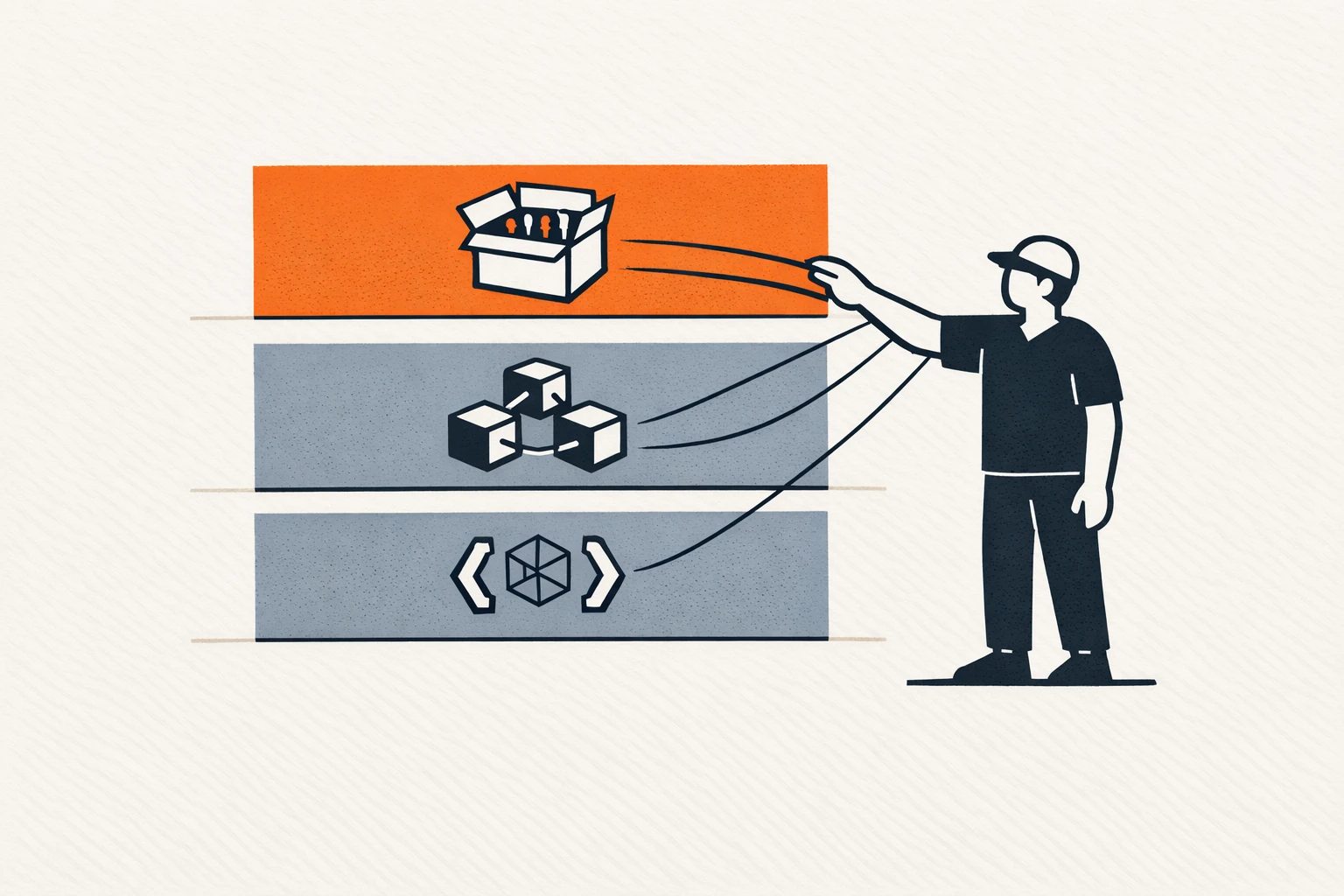
Three options for the underlying agent layer:
Open-source agent framework. Hermes Agent from Nous Research is the most flexible option. You self-host, choose the model provider, and own the workflows. Higher setup cost, much lower lock-in. We walked through the install in our Hermes Agent setup guide.
Hosted agent platform. Salesforce Agentforce and HubSpot’s AI features are the most common in marketing teams already inside those ecosystems. Lower setup, less flexible, more lock-in.
Roll-your-own with the model provider’s API. Direct calls to OpenAI or Anthropic with custom orchestration. Most flexible, highest engineering cost.
For most small marketing teams without engineering on staff: option 1 with a consultant for the initial setup, or option 2 if you’re already deep in the ecosystem. Option 3 is rarely the right call unless you have a real engineer on the team.
The mistakes we keep seeing
Three patterns repeat:
Buying eight tools instead of building two workflows. The tool sprawl gets expensive and nobody actually uses any of them. Better: pick two workflows, build them well, run them for a quarter, then evaluate.
Skipping the safety review. Agents with API keys and tool access can do real damage. We wrote the safety operating model in our open-source AI agent safety post. At minimum, scope permissions and keep humans in the loop on any irreversible action.
Treating agents as a junior hire replacement. They can do mechanical work that a junior would do. They can’t do the judgment development a junior gets from doing that work. If you skip building juniors, you don’t have seniors in three years. Use agents to amplify the seniors you have, not to skip building the next ones.
For the role-shape view of which marketing functions actually consolidate under AI, our four marketing roles AI collapses post is the deeper read.
What the next 12 months probably look like
Three predictions, with appropriate uncertainty:
-
The “AI agent platform” category will get noisier before it gets cleaner. More vendors, more identical demos, more hand-waving about autonomous workflows. Most teams should ignore the noise and build the two workflows that compound.
-
Open-source frameworks will continue to outpace closed platforms on flexibility, but lag on out-of-box vertical integration. The teams that win will be the ones that pair the open-source layer with thoughtful vertical-specific workflows.
-
The bottleneck for most teams won’t be model quality. It’ll be the discipline to actually run the agent through review, log the output, and feed back the results. The teams that build that discipline will compound. The teams that don’t will end up with a folder of impressive demos and no operating leverage.
If your team wants help designing the agent operating model for your stack, our services page explains how we work, and you can get in touch here.
FAQ
What’s the difference between AI agents for marketing and marketing automation? Marketing automation tools are rule-based: if X, then Y. AI agents reason about what to do next based on what they find. A marketing automation tool sends a welcome email when someone signs up; an AI agent reads the signup data, decides which welcome sequence variant fits this person’s role and use case, drafts the first email in their voice, and queues it for review. Different jobs, different mechanisms. Most teams need both.
Do I need to be technical to use AI agents for marketing? Less than you’d think. The setup of an open-source agent like Hermes requires comfort with a terminal and basic config files; the day-to-day use after setup is mostly writing better briefs. If you can manage a marketing automation platform, you can run an AI agent. The setup phase is the spike.
Will AI agents replace marketers? Not the marketers who do strategy, judgment, and customer-facing work. The mechanical execution layer of marketing (drafting, repetitive analysis, formatting reports, audit checklists) is going to consolidate hard. Marketers who lean into the judgment work and use agents for the mechanics will be more valuable. Marketers who try to compete with agents on mechanics will get squeezed.
How fast can a small team realistically deploy these? First workflow live in a week. Second in two more weeks. The compounding gets real around month three, when you have three or four workflows running and the agent has learned your brand voice, your customer language, and your reporting cadence. The first two weeks feel slower than not having the agent. By month three the math reverses, hard.


