


Most AI content calendars don’t ship.
They get built in a burst of January energy, populated for two weeks, and then quietly abandoned by mid-February when the real work returns. The team falls back to whatever was getting written before, the calendar gathers dust, and the post-mortem blames the tool.
The tool isn’t the problem. The shape of the calendar usually is.
A working AI content calendar isn’t a wall of cells with topics in them. It’s a small set of recurring slots, an honest forecast of what the team can actually produce, and a workflow that uses AI to do the parts AI is good at while leaving the parts that need taste to the humans on the team.
This post is the framework we use with consulting clients, with the agent-assisted version of each step, the templates we steal from, and the mistakes we keep watching teams make.
For the broader stack context that this calendar sits inside, our complete AI marketing stack post is the operating-model piece. For the team-shape question of who actually runs the calendar, our 2-person AI marketing team post covers what one or two operators can credibly own.
Why most AI content calendars die
Four patterns kill them, in order of frequency:
The calendar is too dense. The team commits to 4 blog posts, 3 newsletters, 5 LinkedIn posts, and 12 X posts per week. By week three the math reveals itself and the whole thing collapses.
The calendar is too generic. Every slot is “blog post on AI marketing.” Nobody knows what to actually write, so nothing ships.
The calendar is divorced from the data. The slots are picked from a brainstorm, not from Search Console queries, customer questions, or sales-call objections. The content gets written but nobody reads it.
The calendar has no AI workflow attached. AI shows up only when someone decides to “ask ChatGPT to help with this post.” The AI work is ad hoc, the prompts get rebuilt every time, and the quality compounds slowly or not at all.
The framework below addresses all four.
The three-layer calendar structure
We run content calendars on three time horizons, because the work has three different rhythms:
Weekly cadence. The small, repeating slots that ship every week: newsletter, social posts, weekly digest, recurring updates. This is the layer where AI saves the most absolute hours because the work is repetitive.
Monthly cadence. The mid-sized work that requires more thought: blog posts, case studies, landing page updates, podcast episodes. AI helps with research, outlines, and first drafts. Humans do the synthesis, voice, and final review.
Quarterly cadence. The big bets: pillar content, gated assets, video series, webinars, ungated reports. AI helps with research and structure. Humans own the strategy and the voice.
The honest version of any of these calendars commits to fewer slots than the team would like. The team’s instinct is to fill every cell. The right instinct is to fill the cells the team can actually deliver well, then leave the rest empty until you’ve earned the right to add more.
The weekly layer (where AI saves the most time)
The weekly layer is where AI compounds hardest because it runs forever.
A typical weekly calendar for a small marketing team:
- Monday: send the weekly newsletter (drafted Friday)
- Tuesday: ship the LinkedIn thought-leadership post
- Wednesday: publish the new blog post (drafted last week)
- Thursday: send the lifecycle email batch
- Friday: produce the next week’s newsletter draft and metrics digest
Each of these slots has an AI workflow attached. The newsletter intro is drafted from the week’s events. The LinkedIn post is repurposed from an earlier blog. The blog post first draft was produced from the previous week’s outline. The lifecycle emails are personalized variants of a template. The metrics digest is produced from the analytics export.
We covered the prompts that power these workflows in our 30 ChatGPT prompts for marketers post and the seven prompts we actually run every week in our weekly AI marketing prompts post.
The compounding effect is real. A team that automates the first draft of five weekly assets saves 8-12 hours per week. Over a year that’s 400-600 hours of senior marketer time redirected to strategy, customer work, or the next bet.
The monthly layer
Monthly slots are where most AI content calendars try to do too much.
The realistic monthly commitment for a 1-2 person marketing team is:
- 2-4 blog posts (one per week, with skip weeks)
- 1 case study or customer interview
- 1 landing page update or new page
- 1 nurture sequence revision
- 1 piece of original research, a teardown, or a substantial guide
Each of those is an AI-assisted workflow:
- Blog posts start with a Search Console pull, get an outline drafted, and the human writes the draft with AI as an editor and structure tool.
- Case studies start with a transcript of a customer interview, get themes extracted, and produce a draft the human reshapes.
- Landing page updates start with a positioning brief and an audit of the existing copy.
- Nurture sequences start with the previous version’s performance data and rewrite the underperforming emails.
- Original research starts with the data and uses AI for synthesis, charting, and narrative.
The mistake teams make at the monthly layer is treating each piece as a one-off creative project. The right move is to standardize the workflow so the second case study takes half the time the first did, and the third takes a third.
We covered the customer-question-to-content pattern that feeds most of these in our Hermes Agent for customer service post. The teardown pattern that feeds case studies and competitive content is in our Liquid Death AI marketing teardown and our Duolingo social media teardown.
The quarterly layer
The quarterly layer is the small number of big bets the team makes every 90 days.
For a small marketing team, that’s usually:
- One pillar piece (3,000+ words, multiple internal links, the centerpiece)
- One gated asset (template, checklist, calculator, or report)
- One launch moment (product, feature, integration, or campaign)
- One experiment (new channel, new format, new audience)
The pillar piece is where AI saves the most time on research and outline, but the writing should be mostly human. The gated asset is where AI helps build the template structure but the actual value needs domain expertise the AI doesn’t have. The launch moment uses AI for variant copy, but the strategy comes from the team. The experiment uses AI for the first version, then the team learns from what happens.
Pillar pieces also do the topical-cluster work that compounds SEO over 12+ months. For the strategic frame on why this matters more than people think, HubSpot’s research on topic clusters and Ahrefs’ guide to topical authority are both solid reference points.
How to choose what to put in each slot
This is where most AI content calendars go wrong. The slots are filled from a brainstorm, not from data.
The right inputs to every calendar slot, in order of priority:
-
Customer questions. What are people asking in sales calls, support tickets, surveys, and reviews? These are the highest-converting content topics because they meet real demand.
-
Search Console queries. What is the site already half-ranking for? A query at position 11-20 is one well-targeted post away from page 1. Google Search Console is the right starting point.
-
Competitor gaps. What are competitors writing about that you’re not? More importantly, what are they not writing about that they should be? Those are your opportunities.
-
Pillar gaps. What topical clusters are you building toward? Each new post should reinforce or extend one of them, not start a new orphan topic.
-
Internal asks. What does sales need? What does support need? What does the product team want explained? Internal asks often map to real customer demand.
The AI workflow here: feed all five inputs into a prompt that classifies the candidate topics, scores them on demand × effort × strategic fit, and returns a ranked list. The team reviews, picks, and adds them to the calendar.
For the deeper view of how to think about the SEO side of this, our Hermes Agent local SEO post covers the weekly digest workflow that produces calendar inputs.
The AI workflows behind every slot
Every slot in the calendar should have a documented AI workflow attached. Not “ask AI for help with this post.” A specific, repeatable workflow with named inputs and a named output.
The skeleton we use:
Slot: [name of the slot]Frequency: [weekly / monthly / quarterly]Owner: [human responsible]Inputs: [what data goes in]Workflow: [the AI steps, in order]Review: [what the human checks before publish]Success metric: [how we know it worked]That’s six fields. Once filled in for each slot, the calendar stops being a list of topics and becomes a small operations manual. The next person who joins the team can run it on week one.
For the safety operating model that should sit around the AI workflows, our open-source AI agent safety post covers the permissions, review checkpoints, and credential management that any agent-assisted workflow needs.
Templates we steal from
We don’t reinvent the calendar shape every time. Three templates we steal from regularly:
Notion’s marketing calendar templates are clean and flexible. Good if your team already lives in Notion.
Airtable’s content calendar templates are the right pick if you need more relational structure (linking content to campaigns, channels, and personas).
A simple Google Sheet works too. The tool matters less than the structure. We’ve seen excellent calendars in spreadsheets and broken calendars in expensive content tools.
The mistakes we keep watching
Four patterns repeat with new teams:
Treating the calendar as planning theater. The calendar exists to make the work ship, not to prove the team is planful. If 30% of slots are blank on Friday, the calendar is too ambitious. Cut it.
Filling every slot every week. Skip weeks are part of the discipline. A team that commits to 2 blog posts a month and ships them beats a team that commits to 4 and ships 2 unevenly.
Ignoring measurement. Every slot should have a success metric attached and a quarterly review against that metric. The slots that aren’t working should get cut, not refilled.
Letting AI write the final draft. AI is excellent for outlines, first drafts, and structure. The final voice still needs a human who knows the brand. The teams that publish AI-generated final drafts trade short-term volume for long-term brand erosion. We covered the four-layer ROI measurement framework that catches this in our AI marketing ROI post.
What a real first month looks like
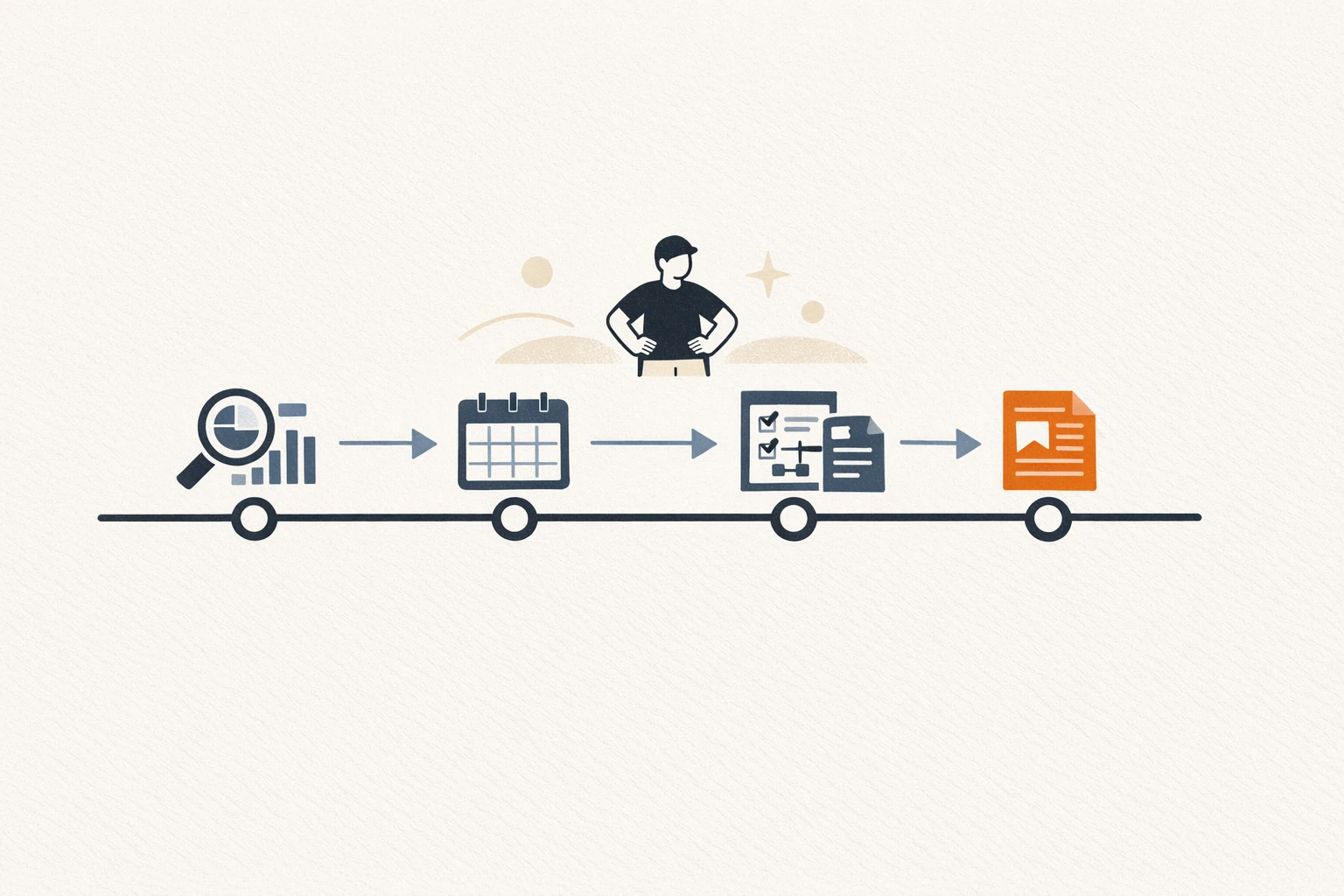
If we were building a content calendar for a new client, week by week:
Week 1. Pull all the inputs: Search Console for the last 90 days, customer questions from the past quarter, top 3 competitor sitemaps, internal asks. Cluster them into topics. Pick 8.
Week 2. Build the calendar skeleton with weekly, monthly, and quarterly slots. Assign owners. Write the AI workflow doc for each slot. Don’t fill in topics yet.
Week 3. Populate two months of slots from the ranked topic list. Build the prompts. Run the first set of AI-drafted assets and review honestly. Note what AI saved time on and where it failed.
Week 4. Ship the first published asset. Review the workflow that produced it. Adjust prompts, briefs, and review checkpoints based on what you learned. Lock in the cadence for the next quarter.
By month two, the calendar is a working operating manual. By month three, the compounding effects kick in. By month six, the team produces more good content with less effort than they did before AI showed up.
For the consulting view of how to structure this for clients, our AI marketing consultant post covers what the engagement actually looks like. If your team wants help building the calendar, our services page explains how we work, and you can get in touch here.
FAQ
Should the AI content calendar live in a specific tool? The tool matters less than the structure. Notion, Airtable, Google Sheets, Trello, Asana all work. Pick the tool the team already uses for everything else, because the calendar that lives in a separate tool gets ignored. The expensive calendar tools we’ve seen mostly add overhead, not output.
How many slots should a small marketing team commit to per month? For a 1-2 person team using AI workflows: 2-4 blog posts, 1 case study or substantial guide, 4 newsletters, 8-12 social posts per channel, and 1 quarterly pillar piece spread across the three months. Less than most teams want. More sustainable than most teams achieve.
What’s the right AI model for content calendar work? Whichever one your team writes best with. We use Claude for synthesis and outline work and ChatGPT for variant generation and shorter creative copy. The differences are smaller than the discourse suggests. We compared the two side by side in our Claude vs ChatGPT for marketing post.
Can I automate the calendar entirely with agents? Partly. Agents can populate slots from data inputs, draft the assets, schedule the workflow runs, and produce the review-ready outputs. They shouldn’t publish final drafts without a human in the loop, especially anything customer-facing. We covered the agent operating model in our AI agents for marketing post and the safety considerations in our open-source AI agent safety post.


